Design and presentation suite with AI uses capped per plan, a US$100 per person AI Pass add-on, and APIs that export designs to PDF or PPTX.
Non-designers producing presentations, social assets and brand collateral who need a published ceiling on AI usage before committing: Canva states monthly caps of up to 20 AI uses on Free, 200 Premium uses on Pro and 400 on Business. It suits workflows that must leave the editor, because the documented Connect APIs export designs as image or video, export presentations as PDF or PPTX, autofill Brand Templates from structured data and import PDF, PowerPoint and Photoshop files. It also suits buyers who need named attestations, which Canva publishes.
Anyone who expects to own every AI output: Canva states that if you use an AI Product to edit a photo from the Canva library, you won't own this Output. Heavy AI users on Pro will hit the 200-use ceiling, and the only published remedy is AI Pass at USD $100 per person per month, which is not available on Free, Education or Enterprise plans or app-store-managed subscriptions. It is also not a code-producing design tool; Canva Code generates interactive content inside Canva, not an exportable front-end codebase.
Pros
Cons
Both. Every plan carries an AI allowance measured in uses, not dollars: up to 20 per month on Free, 200 Premium uses on Pro, 400 on Business and Enterprise. Beyond that, AI is a separate purchase. AI Pass costs USD $100 per person per month and is sold only on Pro, Teams, Business and Nonprofits plans, and Business can buy one-time top-ups whose price Canva does not publish.
Through the documented Connect APIs, designs export as an image or video file and presentations export as PDF or PPTX, and the Design Imports API converts PDF, PowerPoint or Photoshop files inward. Print-ready CMYK export is excluded from the Free plan. Canva Code produces interactive content such as quizzes inside Canva; the developer pages do not describe exporting a design as front-end source code.
Canva states it won't use your user content to improve AI-powered features unless this is consistent with your Privacy Settings, which you can change at any time. The controls are granular on Free and Pro. Education privacy settings are disabled and student content is excluded. For Business, Teams and Enterprise, the Trust Centre says admin opt-in is coming soon, so the control is currently unavailable.
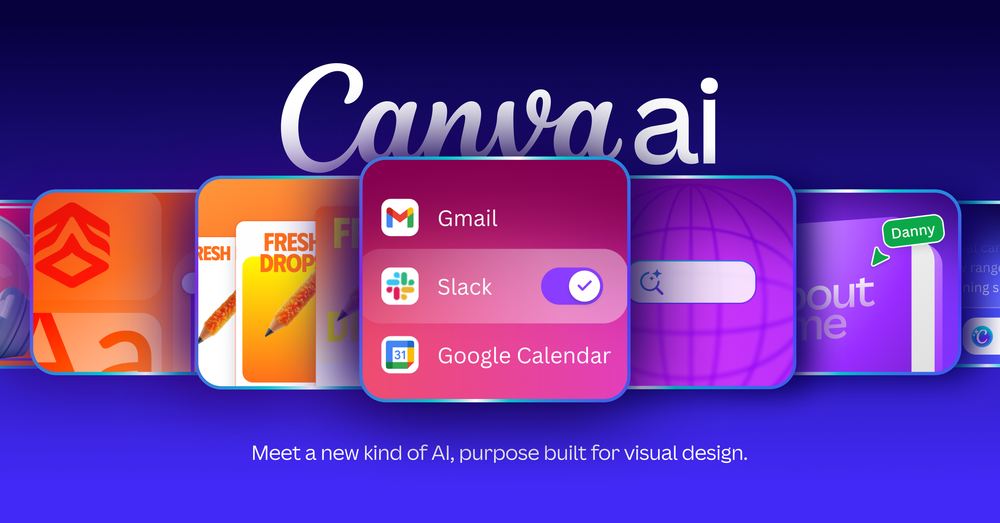
Not on Canva's current pages. The pricing page and the AI page do not use "Magic Studio", "Magic Media" or "Magic Switch"; the umbrella brand is Canva AI, with individual tools named Magic Write, Magic Layers and Resize. Canva Craft is named as Canva's own image model and Canva Shield as its safety and privacy framework rather than a creation tool.
Facts sourced from the vendor’s own site, last verified 2026-10-24.
The Weekly Source
One email a week. New listings, repriced tools, and the ones we would skip - including this one if its pricing changes.