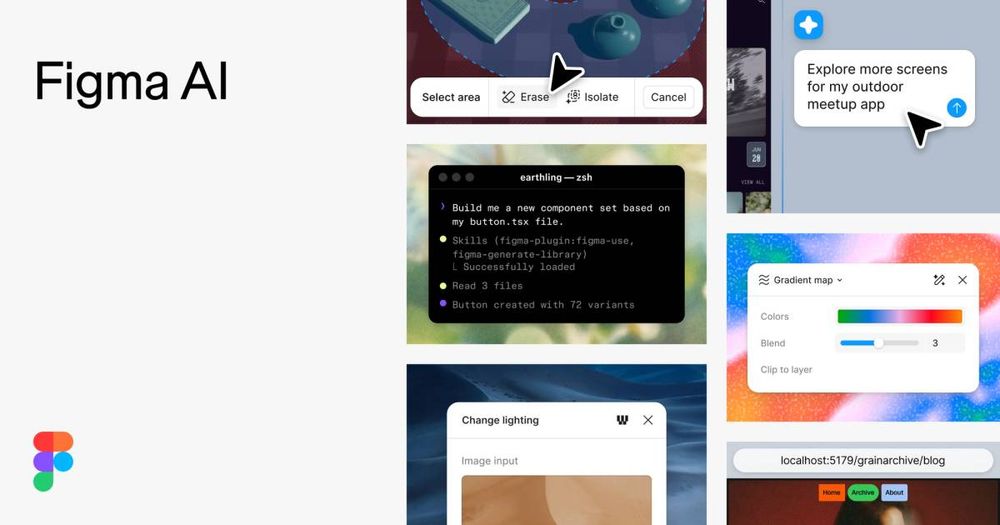
Design tool with AI credits on every seat, content-training defaults published per plan, and Figma Make projects downloadable as a code zip.
Product and UI teams that need the AI to sit inside the file they already ship from, and need to know in writing what the AI costs per seat: the pricing page publishes a monthly credit allowance for every seat type rather than a vague "AI included". It fits teams whose handoff ends in code, because Figma Make projects can be downloaded as a zip of every project file and Dev Mode plus the MCP server expose designs to coding agents. It also fits buyers who must answer a training question before adoption, since the default content-training state is published per plan.
Teams on Starter or Professional that assume their work is excluded from model training by default: Figma publishes the opposite, that content training is turned on by default for both, and an admin must switch it off. Teams that need per-feature cost certainty should look elsewhere, because the pricing page states credit consumption "varies by request" and that included credits are "subject to change". Anyone needing regional hosting below Enterprise is out: localized file hosting is Enterprise-only, applies to data at rest only, and excludes comments, file names, Dev Mode inspect code and AI chats.
Pros
Cons
No, but the allowance differs sharply. The pricing page states every seat includes a monthly credit allotment and that AI add-ons are available on all plans. A free Starter seat gets 150 credits per day up to 500 per month; a Professional Full seat at $16 gets 3,000. Dev and Collab seats get 500 regardless of plan, so AI headroom tracks seat type, not just the plan name.
A zip of code. Figma's help centre describes opening File actions in the Files tab and choosing Download code, which produces a .zip containing all of the files in your Figma Make file. Viewing and downloading code is available to people with a Full or Dev seat, while editing code is limited to Full seats on paid plans. Dev Mode separately translates designs into code.
It depends on your plan and who administers it. Figma publishes that content training is turned on by default for Starter and Professional teams and that admins can toggle it off at any time. On Organization and Enterprise it is off by default and cannot currently be toggled on. Opting out is prospective: new content and edits after the switch are excluded, and AI access is unaffected.
Figma does not publish a figure. The pricing page says additional credits can be purchased as an add-on with a pay-as-you-go or subscription option, without listing a rate. It also states that credits used vary by request and that included allowances are subject to change. The AI Terms add that credits can only be used for Figma AI features and have no cash value.
Facts sourced from the vendor’s own site, last verified 2026-10-24.
The Weekly Source
One email a week. New listings, repriced tools, and the ones we would skip - including this one if its pricing changes.